ZeroPing VPN

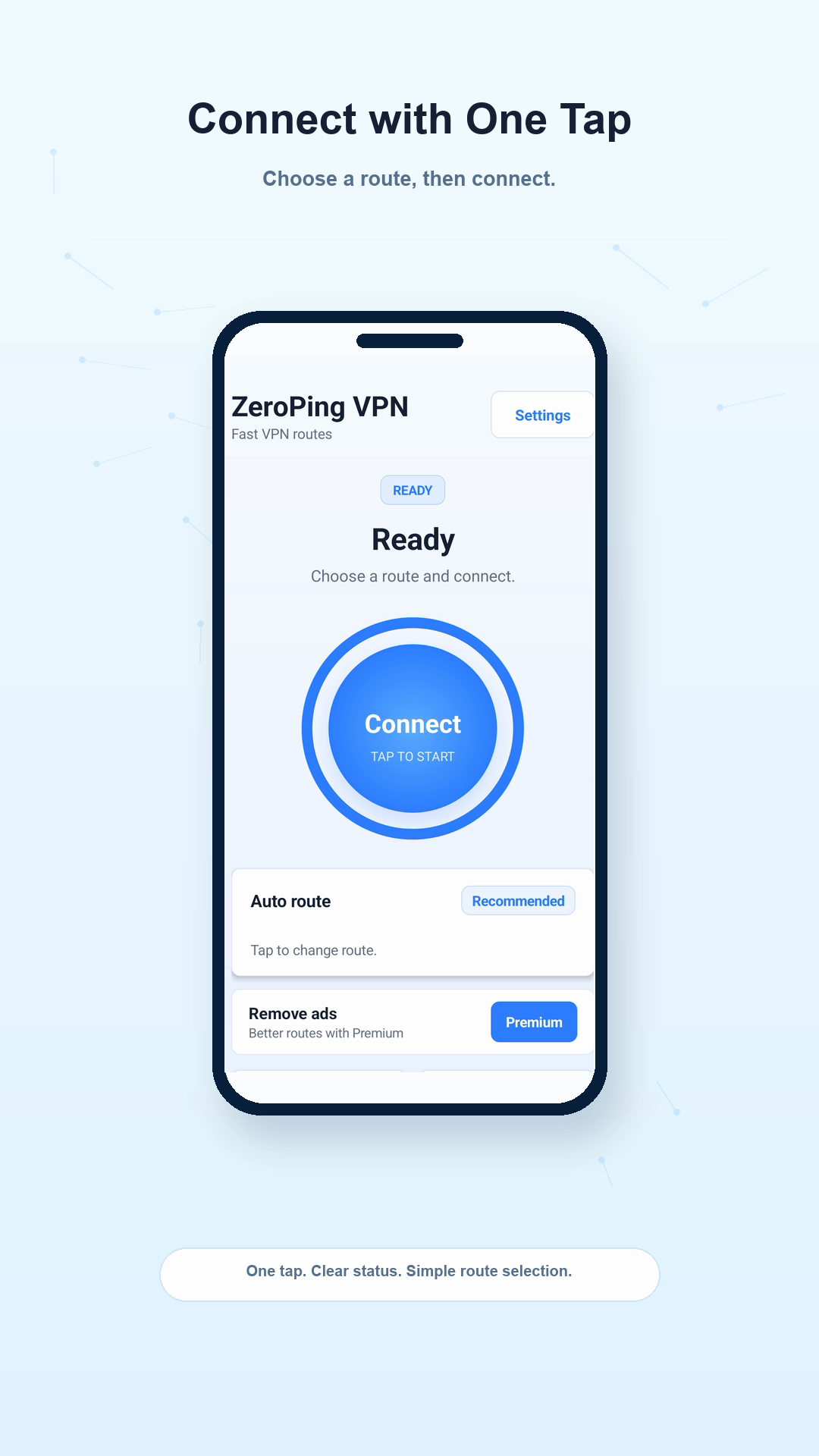
Connect with one tap, choose an available route, and follow each connection state clearly.

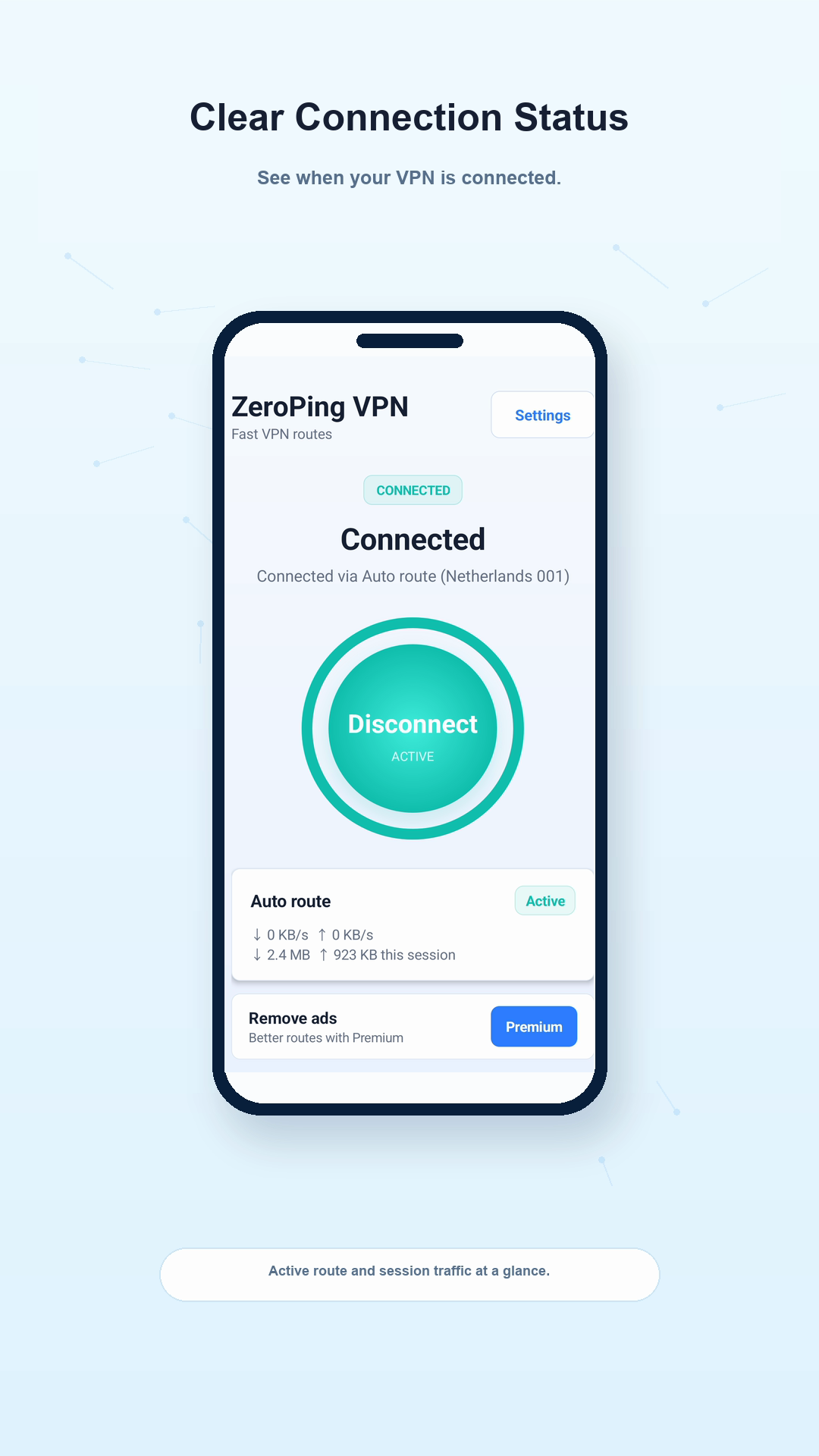
ZeroPing VPN showing a connected Auto route

Inside the app

Clear from connection to support

⚡

One-Tap Connect

Tap once. No setup, no configuration, no accounts needed.

🌐

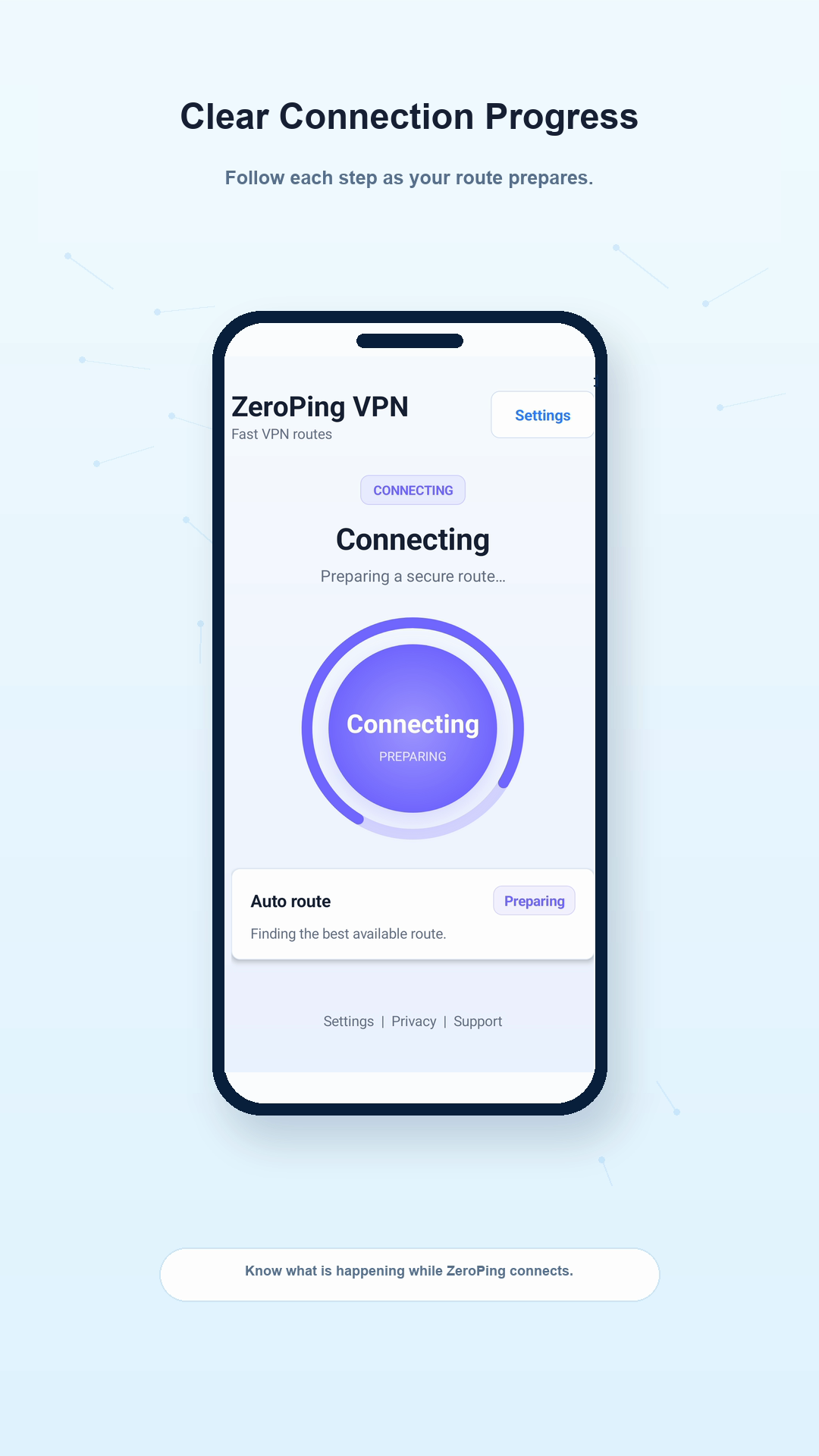
Clear Status

Follow each connection state in the app.

🆕

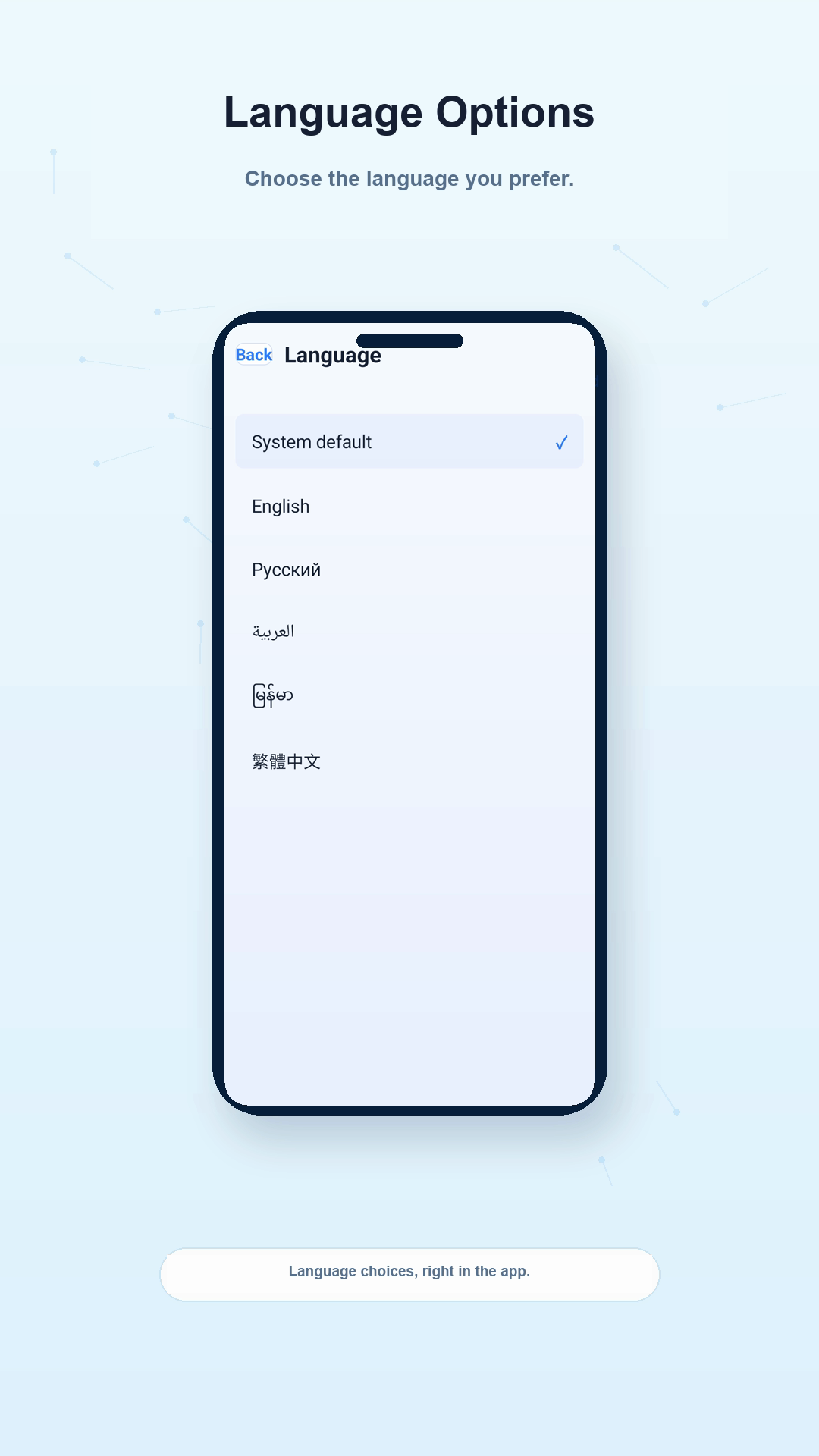
In-App Controls

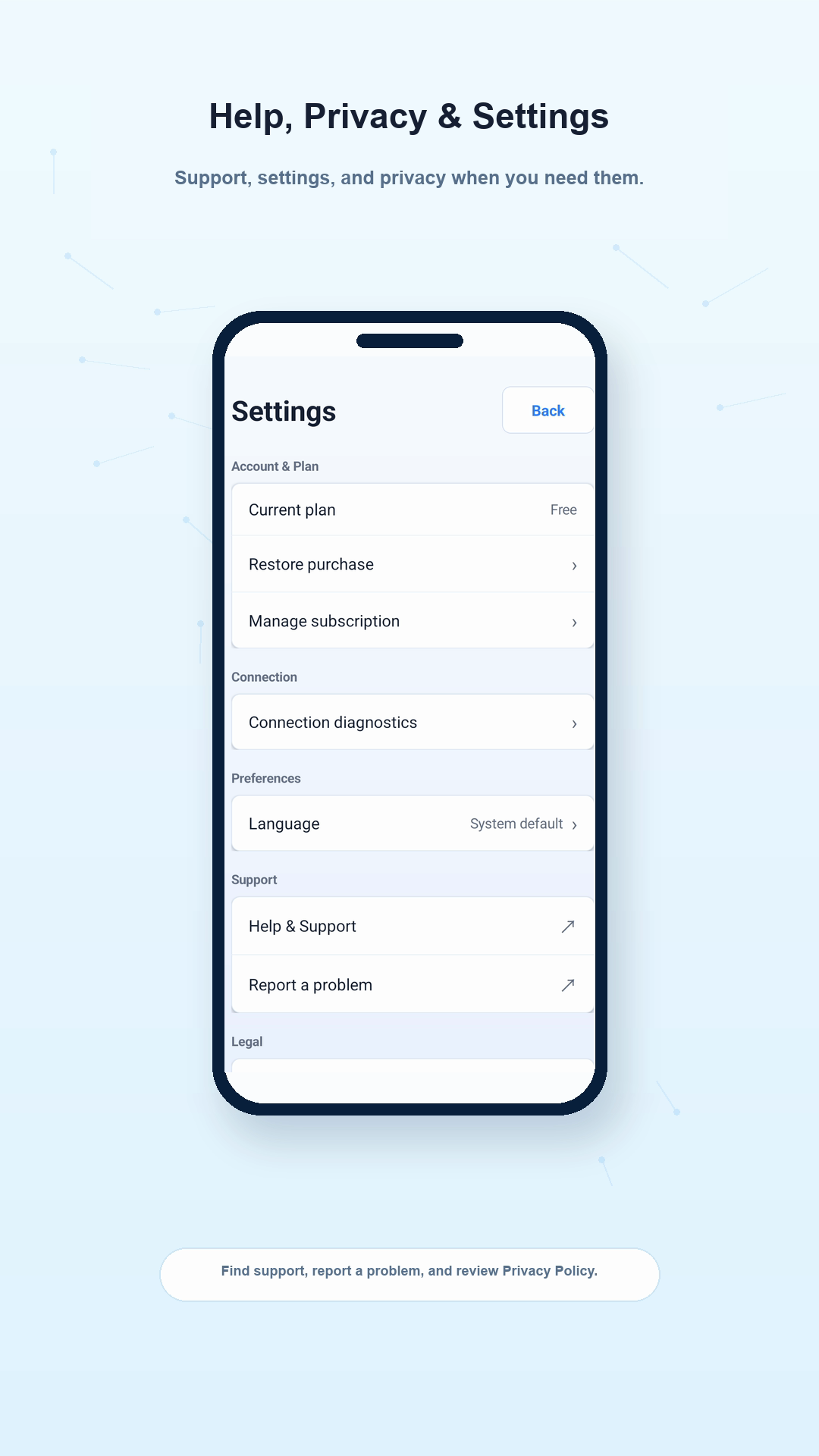
Review language, support, and privacy settings in the app.

🔒

Privacy-Aware

We do not store browsing activity, visited URLs, or VPN traffic content in our logs.

How It Works

1

Install

Download ZeroPing VPN from Google Play.

→
2

Tap Connect

One tap to start your VPN. We automatically pick an available route.

→
3

Use Your Apps

You're connected. Use your apps with clear VPN status and route information.

Your Privacy Matters

✓ We do not store your browsing history or visited URLs in our server logs.
✓ We do not store VPN traffic content or DNS query content in our server logs.
✓ We collect limited operational data needed to run, secure, and improve the service.
✓ Your data is encrypted in transit.
Read our Privacy Policy →

Frequently Asked Questions

Is ZeroPing VPN really free?
ZeroPing VPN includes a free version. Product details are shown in Google Play and in the app.
How do I connect?
Install ZeroPing VPN from Google Play, open the app, and tap the Connect button. That's it — no configuration needed.
What is Premium?
Premium is planned for the v1 release through Google Play Billing. Final price, renewal, cancellation, and restore details will be shown in Google Play before purchase.
Does ZeroPing VPN log my browsing?
We do not store browsing history, visited URLs, DNS query content, or VPN traffic content in our server logs. See our Privacy Policy for details.

Ready to connect?

One-tap VPN connection for Android.

Get it on Google Play